VISLIZ / Guides · Updated 2026-10-16
SVG, PNG or Interactive SVG: which export to use?
Choose PNG, SVG or Interactive SVG for images, documents and websites, with guidance on fonts and viewer support.
Continue with the saved CO₂ chart and its annotation. Choose a format for where the chart will appear: an image in a report, a scalable vector figure or a standalone interactive document.
| Format | Use it for | Editor control |
|---|---|---|
| PNG | Reports, slides and image uploads | PNG 2× |
| SVG | A scalable vector image | SVG |
| Interactive SVG | Supported interactions and motion in compatible viewers | Interactive SVG |
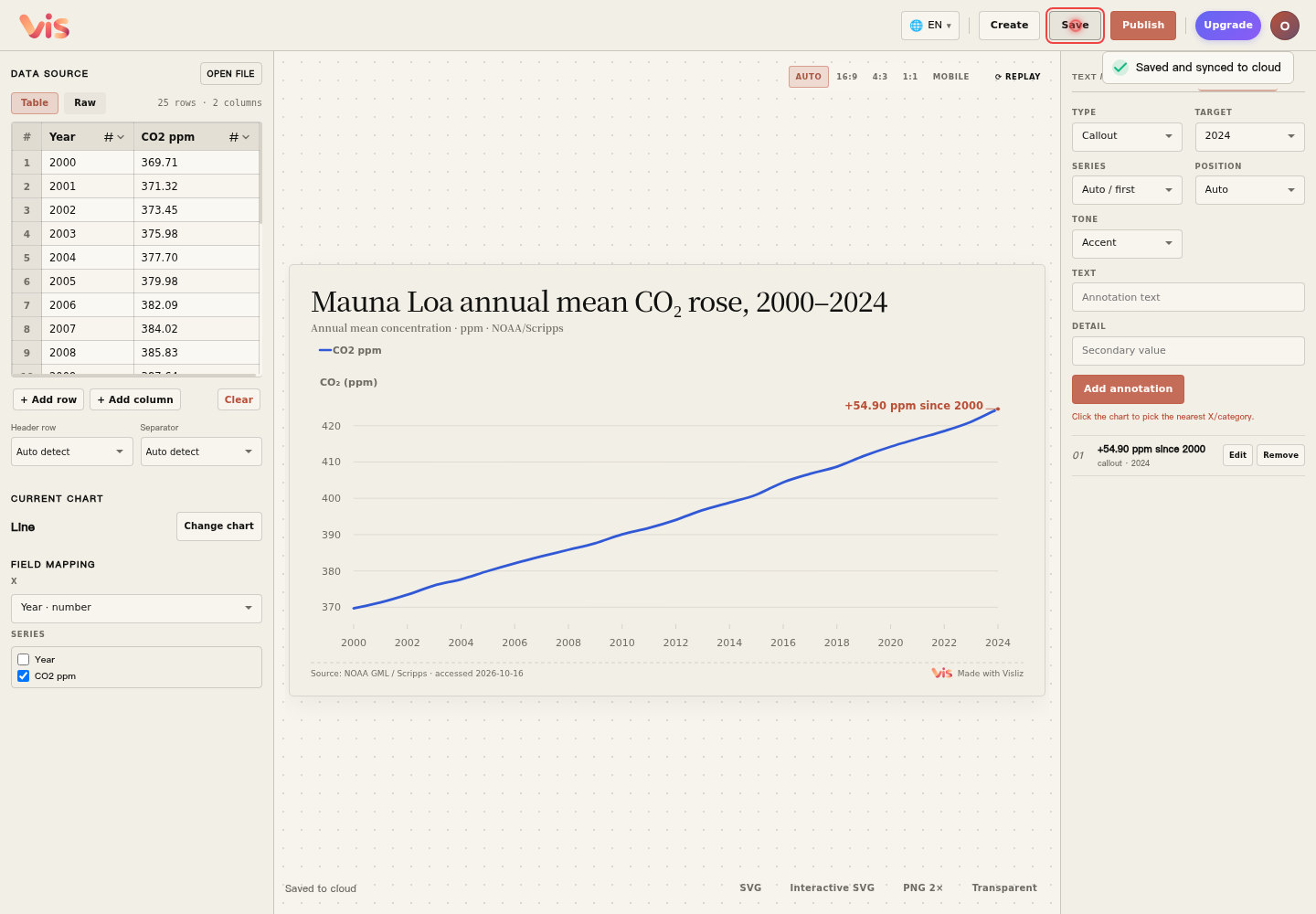
1. Choose an export control
Use PNG 2× for a high-resolution image or Transparent for a transparent PNG. For supported chart types, Interactive SVG downloads a file with supported motion and interactions.
2. Preview the result in its destination
Place a PNG in your report or slides and check the title, units, annotation and background. Open Interactive SVG as a standalone browser document to explore playback and replay. Some document viewers show only a static image when importing SVG.
3. Use publishing for a website embed
Image elements and some website editors restrict SVG scripts. For web interaction, use the public link or iframe described in the next step. Image-only platforms can use PNG or static SVG.