VISLIZ / Templates · Updated 2026-10-16
Line chart template
Build an annotated line chart from CSV, then export SVG or PNG or publish an interactive embed.
Use this template ↗Download CSVInteractive SVG

When to use it
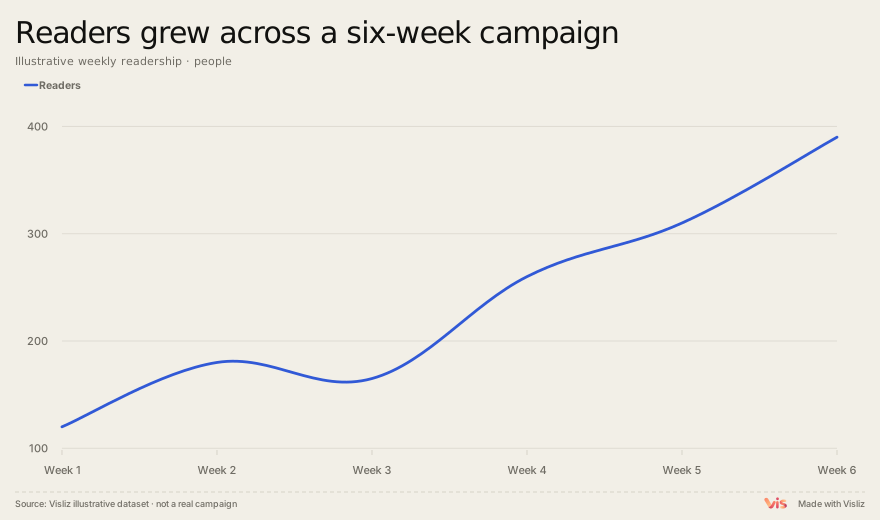
Track a metric across ordered periods, such as weekly readers or monthly demand.
Prepare your data
Keep periods in their real order. Use one column for time and one for each comparable series. State whether values are totals, rates or an index.
Week,Readers
Week 1,120
Week 2,180
Week 3,165
Week 4,260
Week 5,310
Week 6,390
Make and deliver the chart
- Open this template and replace the sample table in the editor.
- Check units, labels, title, source and preview. Use the annotation controls where context is needed.
- Export SVG or PNG. For supported interactions, choose Interactive SVG. Sign in to open the editor, save to the cloud or publish a public link.
Limits and interpretation
Do not connect unrelated categories or silently replace missing observations with zero. A line connects observations; it does not prove what happened between them.