VISLIZ / Guides · Updated 2026-10-16
How to annotate a line chart
Add point, event or range annotations to a line chart and position the text to explain a turning point.
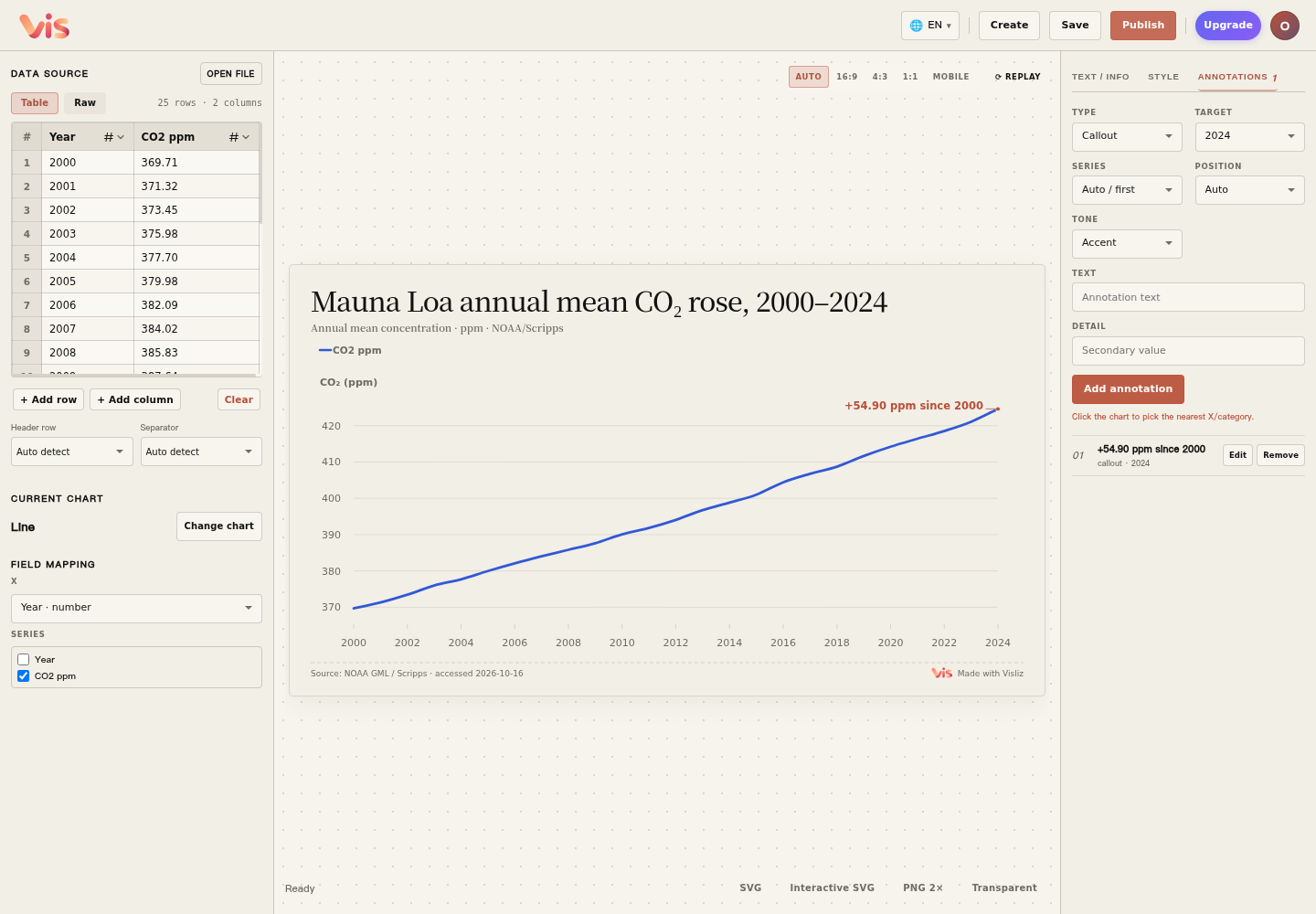
Continue with the CO₂ line chart and annotate its 2024 endpoint. The change between the two endpoints is 424.61 − 369.71 = 54.90 ppm.
Open the tutorial’s line chart templateDownload the complete CSV
1. Select the endpoint and add a note
Open Annotations on the right. Choose Callout as Type and 2024 as Target. Enter “+54.90 ppm since 2000” in Text, then choose Add annotation.
2. Adjust the placement
Use Position and Tone to adjust the annotation. Keep the text close to the point it explains; shorten or reposition it if it overlaps other labels. Use the Mobile preset above the canvas to preview a narrower chart.
3. Save the chart to the cloud
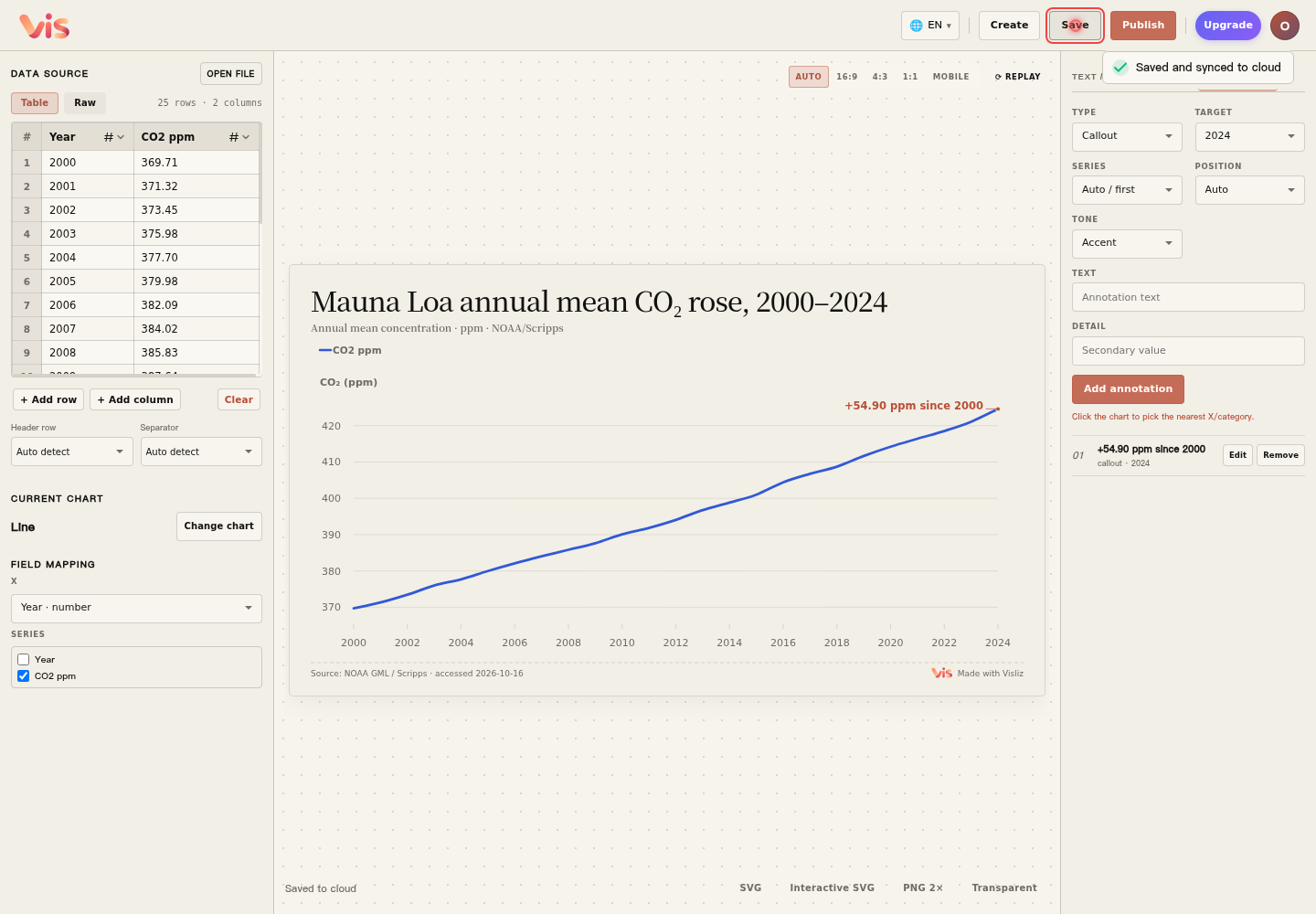
Choose Save at the top and wait for the status to show Saved to cloud. Saving an existing chart updates the same work, which you can reopen from Editor. Save again after changing data, text or annotations.
Write a useful annotation
Explain a peak, a change or a period that matters to the reader. Event markers add context; explanations of causes need supporting evidence and sources.