VISLIZ / Product features · Updated 2026-10-16
Export an interactive chart as SVG
Export supported charts as Interactive SVG and open an example to explore motion and data interactions.
Use this template ↗Download CSVDownload Interactive SVG

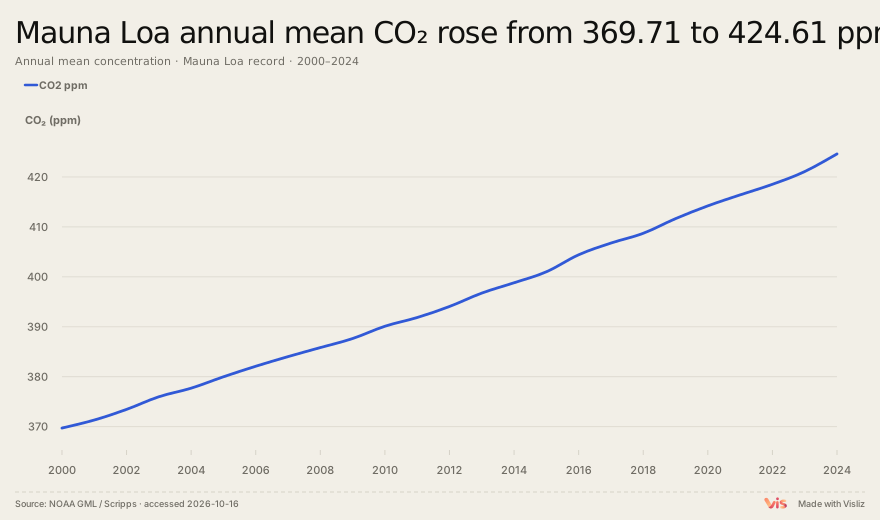
Play the exported chart
An exported document you can inspect
Open the example below as its own SVG document and replay it. The vector chart includes supported interactions and motion. Keep the CSV alongside the file so the source can be checked.
Use the Interactive SVG control
Load a supported template, check the preview and select Interactive SVG in the export toolbar. Inspect the independent file, the ending state, labels, background and font appearance. If the type does not offer this option, use the supported static formats.
Host behavior changes the result
Image tags and many document importers treat SVG as an image and disable scripts. A separate document or permitted iframe can behave differently. Test the destination itself; a CMS may remove SVG, block scripts or apply sandbox restrictions.
Fonts, size and static fallback
Online font mode can require network access; embedded subsets can increase file size. Choose based on your destination and verify the actual file. Keep PNG or static SVG for image-only hosts.